 Built by a Houston remodeler


Appointments
Set and confirm in-home visits.
 Sign inStart free trialTry free
Built by a Houston remodeler
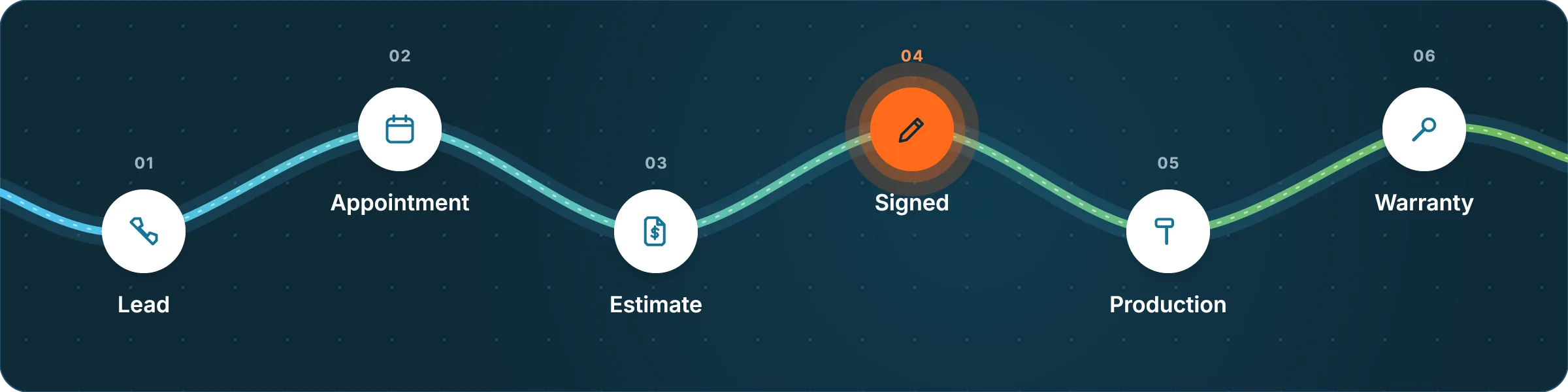
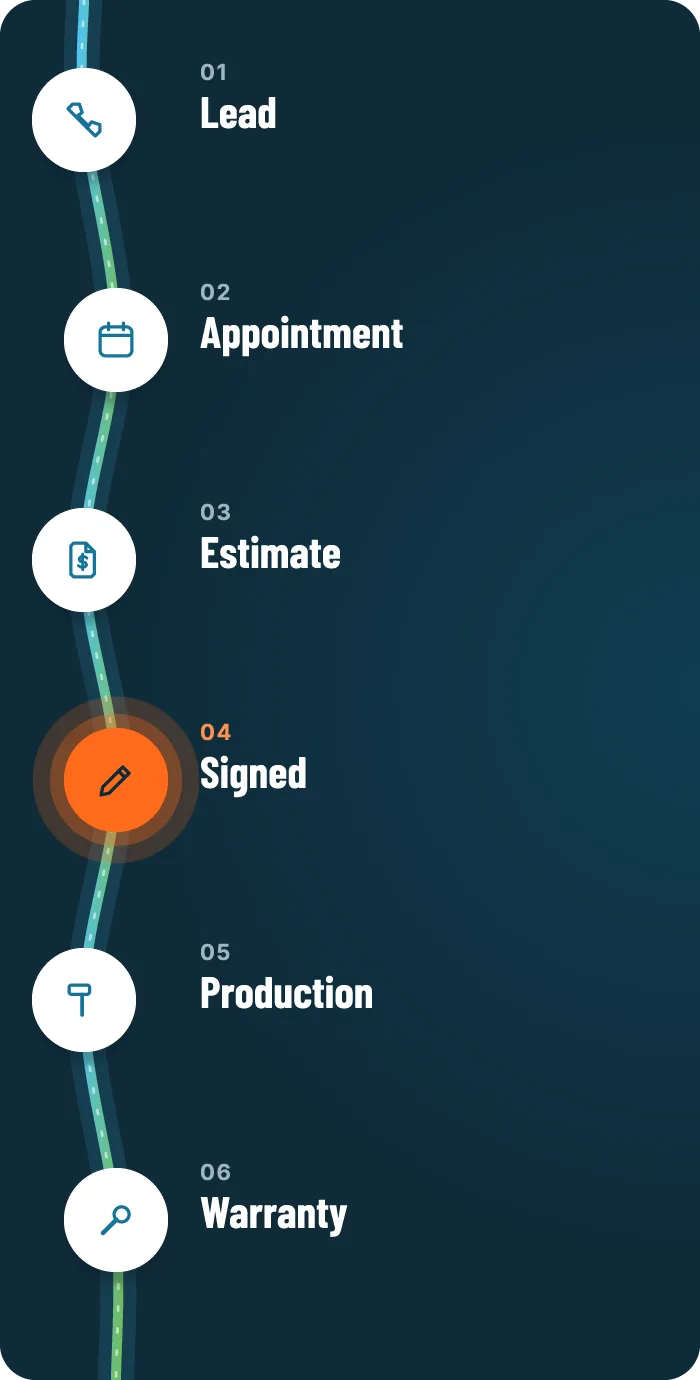
Leads, appointments, estimates, signatures, production and warranty, all on one customer record. One flat price covers your whole company.
14-day trial · No card to start · $49.99/month for the whole company
Founding price

Contract signedHall bath remodel · $17,806
$49.99/moWhole company, not per seat
Unlimited usersOffice, sales and crews
Month to monthNo setup fee. Cancel anytime.
Built inEstimating and e-sign included
One customer. The whole story.
Every step lands on the same customer record, so nobody types it twice and nothing gets lost in the handoff.

05 / Production
A spreadsheet-style Matrix that feels familiar if you use Excel. Sold amounts, recorded payments, materials, costs and milestones stay in view.
See it in 45 seconds
From the first call to the signed contract, production and warranty, on one record. Captions are included.
Scheduling
Appointments, Sales, Production and Service each get their own calendar, so the office, reps and crews see only what they need.
Set and confirm in-home visits.

Each rep’s day, results and next steps.

All-day jobs by installer. Skip weekends if you like.

Warranty and service visits by technician.

Booking
Built-in estimating · Included in your subscription
Your costbook, your prices and your proposal. Then hand the iPad to the homeowner.

Folders up to five levels deep, your own prices and US units, in the order you sell. Import your existing costbook from a spreadsheet.
Your logo, cover and project photos, payment schedule and licenses on a branded PDF. Every version stays with the customer.
A full-screen homeowner view with only the prices you choose to show. Leaving it takes Face ID, a fingerprint or the device passcode.
One or two homeowners sign, your rep countersigns last, and that creates the contract PDF, the customer, the sale and the production job.
Presentation mode, signing and the contract steps use fictional demo data. Customer-facing documents show only the prices you choose to show.
Call center and Message Center
Your office works the leads. Your reps see the whole conversation before they knock.

Work a queue of new leads and callbacks, log the outcome and book into open times from the same screen. Calling hours and do-not-call are built in.
Calls go through your phone’s own dialer.

One shared text inbox for the office. Threads link to the right lead, unread counts keep everyone honest and text consent is tracked on every lead.
Bring your own Twilio or SimpleTexting account. Your provider bills the texts.
Native apps
The full CRM on the web, a native Android app on Google Play and a native iPhone and iPad app coming soon. One login and one subscription work everywhere.

iPhone and iPadComing soon
Free download. Sign in with your company account.

Best Estimator is a separate product and account for custom costbooks and proposals on the web, iPhone and iPad. Kinetic View’s built-in estimator is already included in your CRM.
Get going. Get back to work.
Plain-language questions, a starter pack for your trade and a checklist that shows what’s ready.

Seven starter packs: roofing, general remodeling, painting, bathroom remodeling, flooring, windows and doors, and handyman.
Tell it about your company, services, lead sources, team and appointment times. Guided setup turns your answers into your starting settings.
A checklist shows what’s ready and what still needs you. Follow-ups start paused until you turn them on.
Import customers, history and your costbook from CSV with a preview and duplicate checks. Imports never message customers.

Searchable help inside the app and at kineticview.io/help. Email support@kineticview.io and we answer on business days.
Browse the help centerBuilt by a contractor. For the people doing the work.
Mitch Clay · FounderEZ Bath · Houston, Texas
Why I built this
I run a remodeling company in Houston. Too many screens, too many settings and too much training kept getting between us and the work.
So I built the tool I wanted: one place to follow a job from the first call to the final install, and on through warranty. Practical tools contractors can afford, so more of the budget can go toward growing the business.
Mitch ClayFounder, Kinetic View
Built around your trust
HTTPS between your devices and Kinetic View, TLS to the database, and storage encrypted at rest.
Seven roles, from admin to installer. Row-level security keeps every company’s records to itself.
Attachments need a signed-in account and a permission check.
Automated database backups kept for 14 days. Support sees your account only when an admin grants temporary access.
Kinetic View isn’t SOC 2 or ISO certified, and we won’t pretend otherwise.
A contractor-sized bill
One subscription covers your whole company, unlimited users, on every device.
Kinetic View
$49.99/month per company
The full CRM and built-in estimating. No ads.
Lock in $49.99/month for as long as your subscription stays active. Only for the first 8,888 companies.
After the first 8,888 companies, the regular price for new companies is $199/month.
14-day trial. No card to start. Month to month, cancel anytime. No setup fees.
Texting, email delivery and outside AI services may need their own provider accounts and charges. Customer payment processing isn’t included: payments are recorded, not charged.
Weighing your options?
Side-by-sides with 11 CRMs and field-service apps. Published prices, sources on every row, and the places they beat us.
All comparisonsSide-by-sides with 11 CRMs and field-service apps. Published prices, sources on every row, and the places they beat us.
Straight answers
Roofers, painters, remodelers and home service teams that want leads, sales appointments, jobs, production and after-install service in one place. Set your own sources, job types, milestones and templates.
Yes. Build your costbook, prepare estimates and save branded proposal PDFs inside Kinetic View, with no separate estimating subscription or Best Estimator account. Homeowners e-sign on your device or from a private link; your rep’s countersignature creates the contract, customer, sale and production job.
Kinetic View is $49.99/month per company. One subscription covers your whole company with unlimited users on every device, including the full CRM and built-in estimating. No ads. Month to month, cancel anytime.
The first 8,888 companies lock in $49.99/month for as long as their subscription stays active. After that, the regular price for new companies is $199/month. If you cancel and it ends, the founding rate can’t be restored.
Yes. The Android app is on Google Play, and the iPhone and iPad app is coming soon. The full CRM also runs in your browser. One login and one subscription work everywhere.
Pick your trade from seven starter packs and answer plain-language questions about your company, services, team and appointment times. A checklist shows what’s ready and what needs you. Follow-ups start paused.
Yes. Map fields, preview a small batch and check the records before moving the rest. Duplicate checks flag conflicts, and imports never message customers.
You can record payments and track balances, but recording a payment doesn’t charge a card or move money. Customer payment processing isn’t included.
There are no setup fees. Texting runs on your own Twilio or SimpleTexting account, and email delivery and outside AI services may need their own accounts. Those providers bill you directly.
Connections use HTTPS, the database connection uses TLS and storage is encrypted at rest. Company and role permissions control access, and files need a signed-in account with permission.
More questions? Search the help center or email hello@kineticview.io.
You’ve got work to do.
14 days to try it with your real workflow. No card to start. $49.99/month for the whole company after that.
Start my 14-day trial

